
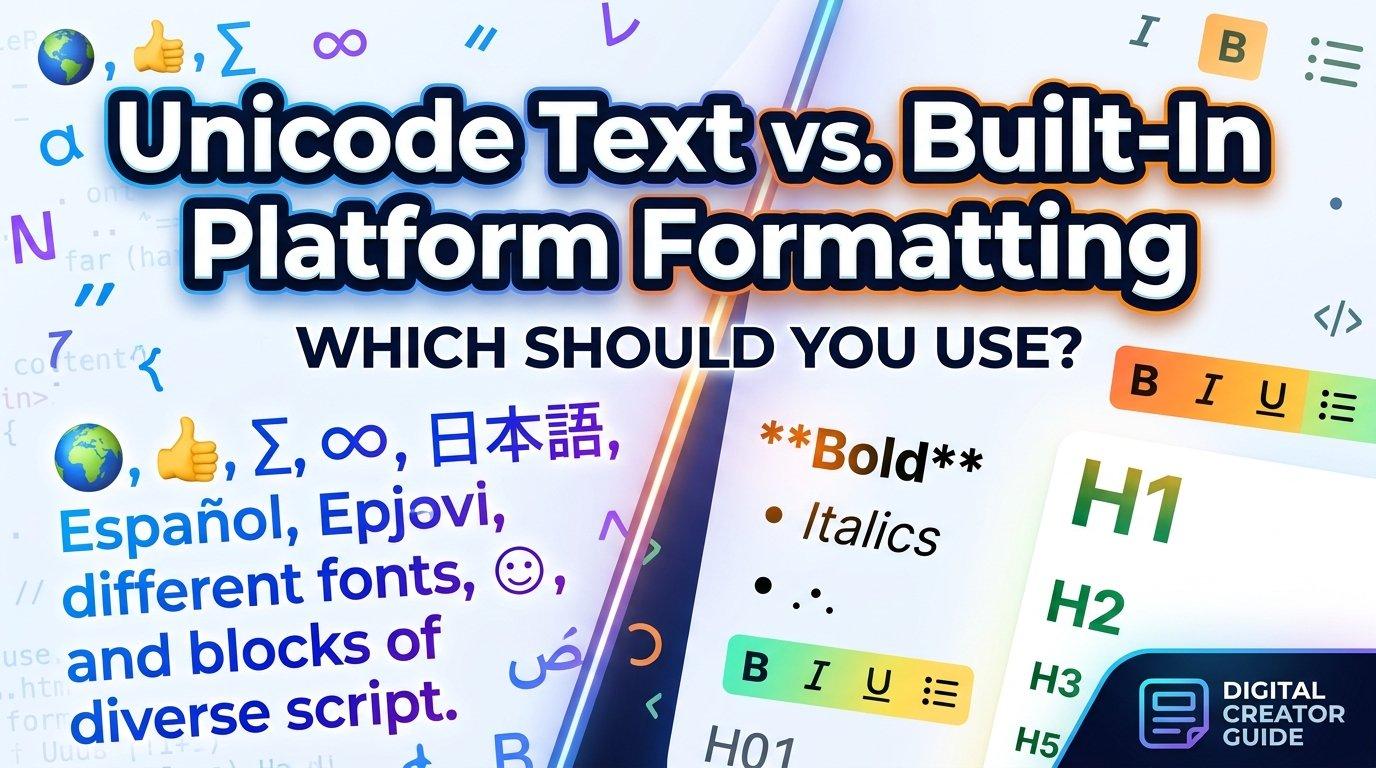
Scroll through any Instagram, TikTok, or X profile and you’ll notice something curious. Some bios appear in elegant script, bold serif, or tiny stacked letters, even though these platforms offer no font menu. The effect looks like custom typography, but it isn’t. It’s a clever use of the way computers store and display text.
This guide explains what’s happening behind the scenes, how to use styled text without hurting readability, and what pitfalls to avoid.
Why Social Platforms Don’t Offer Font Choices
Most social networks lock their interface to a single typeface. This keeps layouts consistent across millions of devices and protects readability for everyone. A bio field accepts plain text, and the platform decides how that text looks.
That limitation pushed users to find a workaround, and the answer was already built into modern computing: Unicode.
What Unicode Actually Is
Unicode is a universal standard that assigns a unique code to every character, symbol, and emoji across writing systems. Maintained by the Unicode Consortium, it’s the reason a message typed on one phone appears correctly on another, regardless of language or operating system.
Within this huge catalog sit blocks of characters designed for mathematics, phonetics, and technical notation. Among them are:
- Mathematical Alphanumeric Symbols, which include bold, italic, script, fraktur, and double-struck versions of the Latin alphabet
- Enclosed Alphanumerics, such as letters inside circles or squares
- Fullwidth Forms, originally created for East Asian typesetting
- Combining Diacritical Marks, which attach accents, lines, or strikethroughs to a base letter
People realized these characters look like different fonts when substituted for ordinary letters. That’s the entire trick: nothing is being “styled,” because each letter is simply a different character.
Font Styling vs. Character Substitution
It helps to understand the difference between the two approaches.
A real font is a file that changes how the same characters are drawn. Change the font, and the word “hello” looks different, but it’s still the same five letters underneath.
Character substitution swaps each letter for a different Unicode character that happens to look decorative. The result can be pasted anywhere that accepts text, because the “style” travels with the characters themselves.
This is why a Fancy Text Generator can produce results that work in a bio field, a comment, or a chat message. The tool maps each ordinary letter to its stylized Unicode counterpart and gives you text you can copy and paste.
Popular Styles and Where They Work Best
Different styles suit different moods. Here’s a quick overview:
Bold and Italic Variants
Clean, familiar, and the most legible of the decorative options. They work well for emphasizing a single word, such as a name or tagline, without overwhelming the reader.
Gothic and Fraktur
Dramatic and historical in feel. These suit music, gaming, or art-focused profiles, but they become hard to read in long sentences.
Small Caps and Tiny Text
Subtle and modern, often used for secondary details like locations or pronouns.
Script and Handwritten Styles
Flowing letterforms add warmth and personality. A Cursive Text Generator is a common way to produce this look, and it pairs nicely with creative, lifestyle, wedding, and beauty profiles where an elegant tone matters.
Bubble and Boxed Letters
Playful and eye-catching, though best reserved for very short phrases.
Accessibility: The Part Most People Overlook
Decorative Unicode has a real drawback. Screen readers, which blind and low-vision users rely on, often interpret these characters poorly. A word written in mathematical script may be read aloud as a string of symbol names, such as “mathematical script capital H,” instead of the word itself.
Search engines can also struggle. Because the characters differ from standard letters, styled text may not match the keywords people actually type into a search box.
To reduce these problems:
- Use styled text sparingly, such as for a name or a short accent
- Keep essential information, like contact details or key descriptions, in plain text
- Avoid styling entire paragraphs
- Test how your profile looks on both mobile and desktop
Compatibility Tips
Not every device supports every Unicode character. Older phones and some browsers display empty boxes (sometimes called “tofu”) when a character isn’t available in the installed font set.
A few habits help:
- Preview before publishing. Check your bio on at least two devices.
- Prefer common blocks. Bold, italic, and script characters generally have wider support than rare symbols.
- Avoid heavy combining marks. Stacked diacritics (often called “zalgo” text) can break layouts and cause display glitches.
- Keep a plain-text fallback of important details somewhere on your profile.
Design Principles for Better Bios
Good typography is about restraint. A few simple guidelines go a long way:
- Limit yourself to one or two styles. Mixing five different looks reads as cluttered.
- Create hierarchy. Style your name or a single phrase, and leave supporting details plain.
- Match the style to the audience. A professional consultant and a gaming streamer have very different needs.
- Prioritize legibility. If a viewer has to squint, the style isn’t working.
- Use whitespace and line breaks to separate ideas instead of relying on decoration alone.
Common Mistakes to Avoid
- Styling every word in the bio
- Using hard-to-read styles for key information like handles or links
- Forgetting that copy-pasted text may behave differently across platforms
- Assuming the look will stay identical on every device
- Ignoring accessibility entirely
Final Thoughts
Styled text in social bios is a small example of how a technical standard can enable creative expression its designers never specifically planned for. Understanding that these characters are substitutions rather than true fonts helps you use them wisely: sparingly, legibly, and with accessibility in mind.
Treated as a light accent rather than the main message, decorative Unicode can give a profile personality while keeping it readable for everyone who visits.

 English
 Arabic
 French
 Spanish
 Portuguese
 Turkish
 Dutch
Dutch
 Italiano
 Russian
 Romaian
 Portuguese (Brazil)
 Greek
Greek