

Drupal to WordPress Migration: How to Move Your Website Without Losing SEO, Data, or Rankings
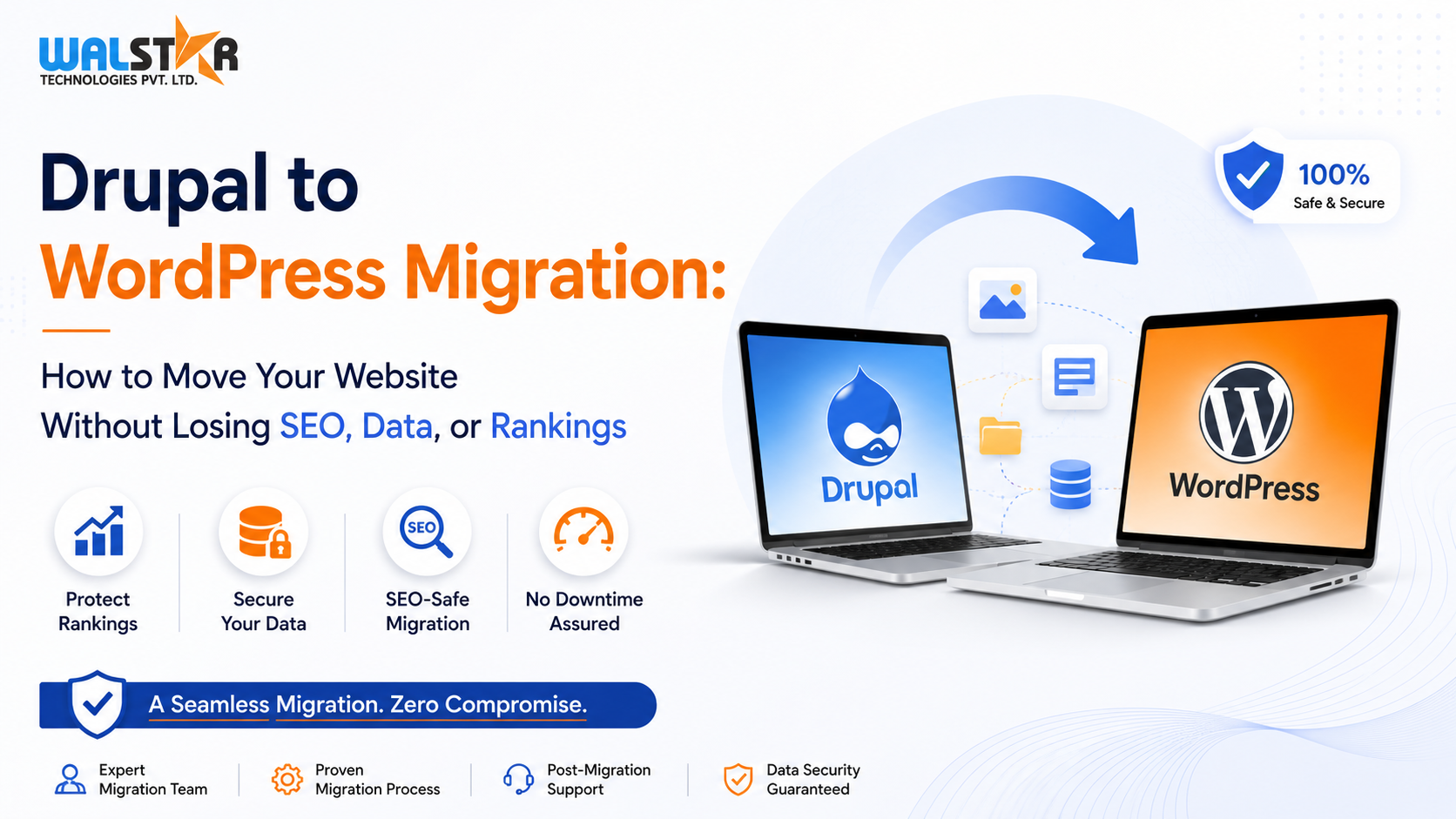
As businesses grow, their website requirements evolve. While Drupal has long been a powerful content management system for enterprise websites, many organizations are now choosing WordPress for its ease of use, flexibility, cost-effectiveness, and marketing-friendly ecosystem.
However, migrating from Drupal to WordPress is not simply a matter of moving content from one platform to another. A successful migration requires careful planning to preserve SEO rankings, maintain website performance, protect valuable data, and ensure business continuity.
In this guide, we'll explore why businesses are migrating from Drupal to WordPress, the challenges involved, and how a structured migration process can help you achieve a seamless transition.
Why Businesses Are Moving from Drupal to WordPress
Many organizations initially choose Drupal for its flexibility and advanced content management capabilities. Over time, however, several factors drive businesses to consider WordPress as a more practical long-term solution.
1. Complex Website Management
Drupal offers extensive customization capabilities, but managing content structures, modules, permissions, and backend configurations often requires technical expertise.
For marketing teams and content managers, day-to-day website updates can become time-consuming and dependent on developers. WordPress provides a more intuitive content management experience, enabling teams to publish and manage content efficiently.
2. Higher Development and Maintenance Costs
Maintaining a Drupal website frequently involves ongoing developer support, module updates, compatibility checks, and custom development work.
As operational costs increase, many businesses seek a platform that offers lower maintenance requirements while still providing robust functionality. WordPress delivers a vast ecosystem of plugins and tools that simplify development and reduce long-term expenses.
3. Easier SEO Management
Search engine optimization plays a critical role in online visibility. While Drupal supports SEO functionality, WordPress provides a more user-friendly environment for managing:
-
Meta titles and descriptions
-
XML sitemaps
-
Schema markup
-
Redirect management
-
Content optimization
-
SEO plugins and integrations
This allows businesses to manage and improve their SEO strategy more efficiently.
4. Scalability and Upgrade Challenges
Major Drupal version upgrades often require significant redevelopment efforts. Custom modules may become incompatible, resulting in additional costs and project complexity.
WordPress offers a simpler upgrade process and a highly scalable ecosystem that supports websites ranging from small businesses to enterprise organizations.
5. Better Support for Marketing Teams
Modern marketing teams need the flexibility to create landing pages, launch campaigns, publish blogs, and manage website content without technical barriers.
WordPress empowers marketing departments with user-friendly editing tools, Gutenberg blocks, and flexible page-building capabilities that accelerate content publishing and campaign execution.
Key Challenges in Drupal to WordPress Migration
Website migration involves much more than transferring pages and images.
A poorly executed migration can result in:
-
Loss of search engine rankings
-
Broken URLs and backlinks
-
Missing content and media files
-
Damaged website structure
-
Reduced website performance
-
Extended downtime
This is why businesses should follow a structured migration strategy designed to protect SEO, content integrity, and user experience.
The Drupal to WordPress Migration Process
Phase 1: Discovery and Migration Assessment
Every successful migration begins with a comprehensive analysis of the existing Drupal website.
This includes:
-
Content architecture review
-
Taxonomy structure analysis
-
Drupal Views assessment
-
Third-party integration evaluation
-
SEO performance benchmarking
-
URL structure audit
-
Risk identification and mitigation planning
A detailed assessment ensures that every aspect of the website is accounted for before migration begins.
Phase 2: WordPress Architecture Planning
Once the existing website structure is documented, the new WordPress environment is designed.
This stage involves:
-
Content mapping and information architecture
-
Custom post type creation
-
Custom taxonomy development
-
Advanced Custom Fields (ACF) implementation
-
Gutenberg block planning
-
Theme architecture design
-
Hosting and infrastructure recommendations
The goal is to recreate and improve the functionality of the existing Drupal website while leveraging WordPress's flexibility.
Phase 3: Structured Content Migration
Content migration is one of the most critical phases of the project.
A professional migration process includes:
-
Content transfer with field-level validation
-
Media library migration
-
Author and user mapping
-
Taxonomy relationship preservation
-
Duplicate media cleanup
-
Content quality verification
-
Redirect mapping for legacy URLs
Every content element is carefully validated to ensure data accuracy and consistency.
Phase 4: Integration Rebuild and Quality Assurance
Modern websites rely on multiple integrations and external systems.
During this stage, teams rebuild and test:
-
CRM integrations
-
Marketing automation platforms
-
Contact forms
-
Analytics tools
-
Tracking systems
-
Third-party APIs
Comprehensive testing ensures all workflows function correctly before launch.
Additional quality assurance includes:
-
Security testing
-
Accessibility reviews
-
Performance optimization
-
Editorial workflow validation
-
User acceptance testing
Phase 5: Launch and Post-Migration Support
The final stage focuses on deploying the new WordPress website while minimizing disruption.
Key activities include:
-
Zero-downtime deployment strategies
-
Rollback planning
-
Live environment monitoring
-
Performance optimization
-
Post-launch testing
-
Technical documentation
-
Editorial training
Ongoing support helps ensure a smooth transition and continued website stability.
How to Protect SEO During Drupal to WordPress Migration
SEO preservation should be a primary objective throughout the migration process.
Best practices include:
Maintain Existing URL Structures
Where possible, existing URLs should remain unchanged to preserve search engine authority and user bookmarks.
Implement 301 Redirects
If URLs change, proper 301 redirects must be created to transfer ranking signals and avoid broken links.
Preserve Metadata
Important SEO elements should be migrated, including:
-
Meta titles
-
Meta descriptions
-
Canonical tags
-
Open Graph tags
-
Structured data
Monitor Search Performance
Before and after migration, businesses should track:
-
Organic traffic
-
Keyword rankings
-
Crawl errors
-
Index coverage
-
Page performance metrics
Proactive monitoring helps identify and resolve issues quickly.
Benefits of Migrating from Drupal to WordPress
Organizations that successfully migrate often experience:
-
Easier content management
-
Lower maintenance costs
-
Improved marketing agility
-
Better SEO management
-
Faster publishing workflows
-
Greater plugin flexibility
-
Enhanced scalability
-
Improved user experience
These advantages enable businesses to focus more on growth and less on technical complexity.
Partner with Walstar Technologies for Drupal to WordPress Migration
Migrating a website requires expertise, planning, and a proven process. At Walstar Technologies, we help businesses move from Drupal to WordPress while protecting their content, SEO rankings, data integrity, and website performance.
Our migration specialists perform comprehensive audits, structured content migration, SEO-safe implementation, integration rebuilding, quality assurance testing, and post-launch support to ensure a successful transition.
If you're planning a Drupal to WordPress migration, our team can help you build a migration strategy tailored to your business requirements.
Learn more about our Drupal migration services at https://walstartechnologies.com/drupal-to-wordpress/
Final Thoughts
Drupal to WordPress migration offers businesses an opportunity to simplify website management, reduce operational costs, improve marketing flexibility, and enhance long-term scalability.
With the right migration strategy, organizations can successfully transition platforms without losing valuable SEO rankings, content assets, or website performance. Careful planning, technical expertise, and thorough testing are the keys to achieving a seamless migration experience.
 French
 English
 Arabic
 Spanish
 Portuguese
 Deutsch
 Turkish
 Dutch
Dutch
 Italiano
 Russian
 Romaian
 Portuguese (Brazil)
 Greek
Greek