

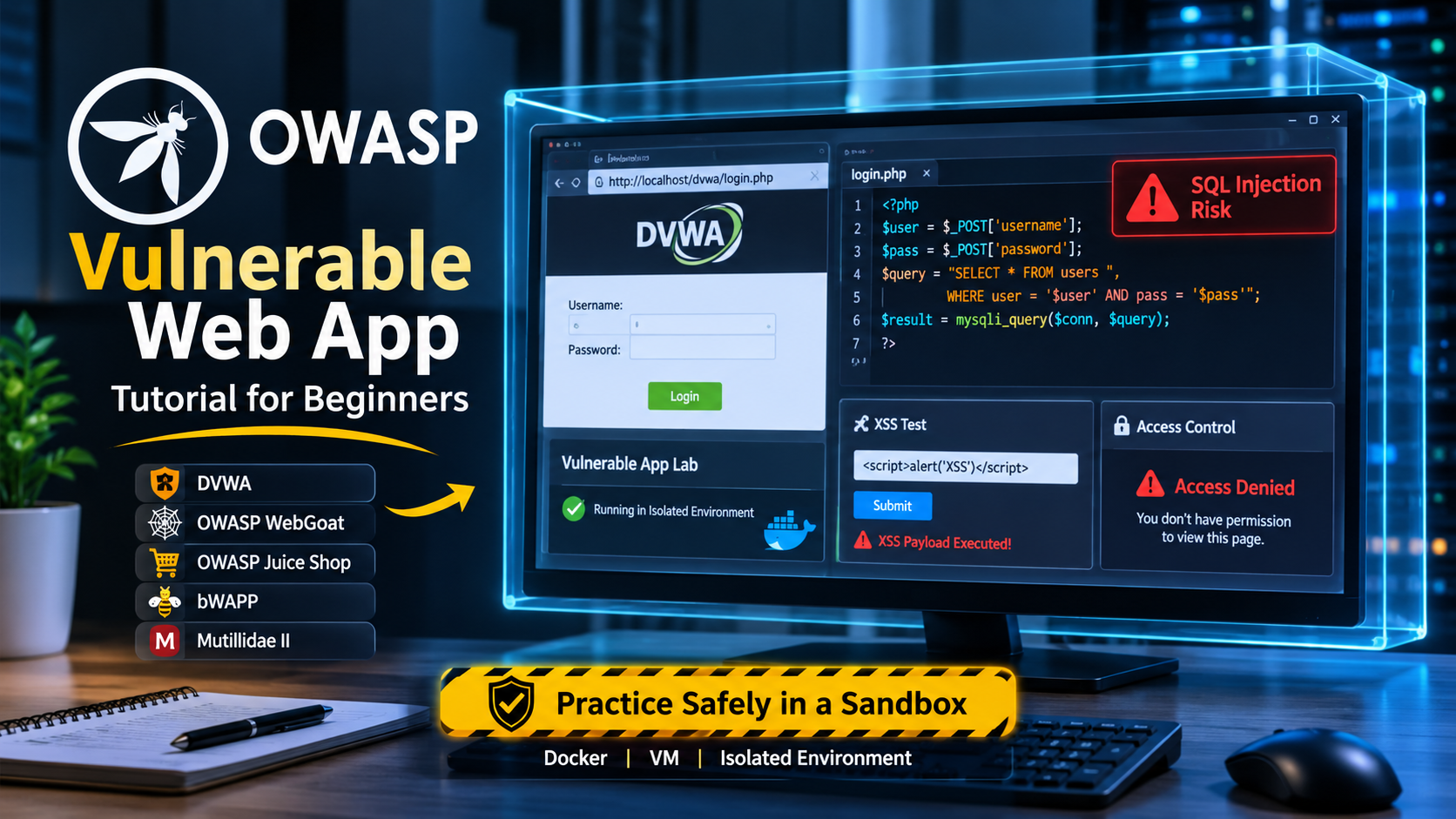

OWASP vulnerable applications are web apps that are broken on purpose so you can legally practice finding and fixing real security flaws. The best starting points are OWASP Juice Shop, WebGoat, Mutillidae and Security Shepherd. Run them locally in containers, never expose them to the internet and work through the OWASP Top 10 one category at a time.
Nobody learns web security by reading alone. You learn it the same way you learn to drive by sitting in the seat, making mistakes and getting feedback. The problem is obvious. You cannot practice attacks on a real company website and you should not be trying. That is exactly why intentionally vulnerable websites exist. They give you a legal, repeatable target where every flaw is a lesson rather than a liability.This guide walks you through the whole path from zero. You will learn what OWASP vulnerable applications are, how to set up an isolated lab, how the four best known projects differ and how to turn a pile of downloads into real skill. If you want a slower, step by step companion piece, the OWASP vulnerable web app tutorial covers the same ground with a more hands on tone.
What Are OWASP Vulnerable Applications?
An OWASP vulnerable application is a deliberately insecure program built to teach application security. The Open Worldwide Application Security Project, better known as OWASP, is a nonprofit community that publishes free security guidance, tools and training material. Several of its flagship and lab projects are full web applications stuffed with flaws such as injection, broken authentication, crosssite scripting, insecure deserialization and misconfigured access control.
Each application has a different personality. One is a modern singlepage shop that feels like a real product. Another is a guided classroom that stops to explain each lesson. Another is a messy, old fashioned PHP site that rewards curiosity. What they share is the purpose of giving learners a safe sandbox where breaking things is the assignment.A quick clarification that trips up beginners. Not every popular practice target is an OWASP project. Damn Vulnerable Web Application, usually called DVWA, is widely used alongside OWASP projects but is maintained independently. It is a fine tool, but when this article says OWASP vulnerable apps, it refers to projects that live under the OWASP umbrella.
Why Intentionally Vulnerable Websites Work So Well
Reading about SQL injection teaches you a definition. Typing a payload into a login box, watching the application misbehave, then reading the vulnerable query to understand why, teaches you the idea permanently. Practice applications compress that loop into minutes.There are four reasons the approach works.Legal safety. You own the target. Testing a system you own, inside a network you control, removes the legal gray zone that surrounds probing third party sites.Repeatability. You can break the app, reset it and try again with a different technique. Real systems do not give you that luxury.
Graduated difficulty. Good practice applications start with obvious flaws and move to subtle ones. You build confidence without hitting a wall on day one.Code access. Because the source is open, you can read the vulnerable code after you exploit it. That second step, seeing the bug from the developer side, is what separates a script runner from a security engineer. It is also the bridge into source code review, which you can practice directly in the source code review labs.
Build a Safe Lab Before You Download Anything
The single most important rule is that vulnerable applications must never be reachable from the public internet. They contain real, exploitable flaws. If you leave one exposed on a cloud server, someone will find it and they may use it as a foothold.
Isolation Rules to Follow Every Time
Bind the application to localhost only, so that only your own machine can reach it. Do not forward ports on your home router. If you use a virtual machine, set its network adapter to host only or a private internal network. Keep your main browser profile separate from your testing profile, because intercepting proxies and test credentials do not belong next to your email and banking sessions.
Snapshot your virtual machine before you begin. If an exercise corrupts the application state, you can roll back in seconds instead of rebuilding.
Why Containers Make Life Easier
Most OWASP practice applications ship as container images. A container packages the application and its dependencies so you do not need to install a specific runtime, database or web server. Starting Juice Shop, for example, can be as short as
bash
docker run rm p 127.0.0.130003000 bkimminich/juiceshop
The 127.0.0.1 prefix is the important part. It tells Docker to publish the port on the loopback interface only. Without it, the port may be reachable from other devices on your network. When you are done, stopping the container removes the application and any state it created.
WebGoat follows a similar pattern and its container also exposes a companion service called WebWolf that simulates an attacker server for lessons involving file uploads and email. Always check the project official documentation for the current image names and ports, since these can change between releases.You can reinforce this in the crosssite scripting labs.
Meet the Four Core OWASP Practice Applications
OWASP Juice Shop
Juice Shop is the most popular choice for newcomers and for good reason. It is a modern ecommerce site built with Node.js and Angular, so it looks and behaves like a real product. It contains well over a hundred challenges spread across a wide range of difficulty levels, covering the entire OWASP Top 10 and many additional flaw types.
Its hidden score board is part of the fun. Challenges unlock as you discover them and the application tracks your progress. A builtin CTF mode lets instructors run capture the flag events with flag codes. Because the front end is JavaScript heavy, Juice Shop is a natural place to learn how clientside code, APIs and tokens interact.Best for self paced learners who want a realistic target and gamified progress.
OWASP WebGoat
WebGoat takes the opposite approach. It is a guided classroom built on Java and Spring Boot. Each lesson explains a concept, gives you a task and verifies when you succeed. Topics include injection, authentication flaws, access control, cryptography basics, XML external entities and more.
Because the lessons teach as they go, WebGoat suits people who prefer structure to exploration. The Java source also makes it a good case study for developers who want to understand how vulnerable code looks in an enterprise framework.Best for structured learners, students and developers moving into security.
OWASP Mutillidae II
Mutillidae is a free, open source web application written in PHP with a MySQL database. It is a veteran of the practicelab world and it contains an enormous number of vulnerabilities across the OWASP Top 10 and beyond. Its security levels let you make the application progressively harder to exploit and its hint system lets you choose how much help you want.
The interface is plain, but that is part of its strength. There is nothing hiding the mechanics, so you spend your time on the vulnerability rather than on figuring out a framework.Best for learners who want classic web flaws in a transparent PHP environment.Try timed challenges in a capture the flag format, such as those in the web security CTF labs, where you have to chain flaws without guidance.
OWASP Security Shepherd
Security Shepherd is built for training and competition. It uses a module based design with a score system and it supports classroom style administration where an instructor can manage players and track progress. Challenges range from beginner to quite difficult and span web and mobile security topics.
Because of its scoring and administration features, it is a favorite for workshops and internal events. Individual learners can also use it to measure their own growth.Best for groups, workshops and learners who like competition.
OWASP Vulnerable App Download Getting It Safely
The OWASP vulnerable app download process is simple, but the source matters. Always download from the project official website or its official repository and prefer official container images over random mirrors. A fake download of a vulnerable application is an excellent place to hide real malware and the irony would be painful.
A safe download routine looks like this
-
Start at the OWASP project page for the application and follow its links to the official repository or image registry.
-
Prefer the documented container command over a manual install.
-
Verify the release, tag or checksum when the project publishes one.
-
Run the application inside your isolated lab, never on a machine that holds personal or work data.
-
Update periodically, since maintainers fix bugs and add challenges.
If you cannot confirm that a download came from the maintainers, do not run it.Study how modern systems introduce new weaknesses, including the risks catalogued in the OWASP Top 10 for LLM applications, which covers prompt injection and insecure output handling in AIpowered products.
Tools You Will Use Alongside These Applications
A vulnerable application is only half of the lab. The other half is the toolkit you point at it.
An intercepting proxy sits between your browser and the application so you can read, pause and modify every request. Burp Suite Community Edition and OWASP ZAP are the common choices. ZAP is itself an OWASP project and is free.
Browser developer tools are underrated. The network tab, the console and the storage inspector teach you a surprising amount about how an application behaves, especially a single page app like Juice Shop.A notetaking system keeps your findings organized. Write down the payload, the vulnerable parameter, why it worked and how you would fix it. Those four lines are the skeleton of every professional vulnerability report.A terminal for tasks such as sending raw requests with curl or scripting repetitive tests.You do not need dozens of tools. A proxy, a browser and a notebook will carry you a long way.
Your First Week A Practical Plan
Beginners often fail by sampling everything and mastering nothing. Use a narrow plan instead.
Day 1 Build the lab. Install Docker or a virtual machine, start Juice Shop on localhost and confirm you can reach it. Configure your proxy and browser.
Day 2 Map the application. Do not attack anything yet. Click through every feature, then review the proxy history. List every endpoint, parameter, cookie and token. Recon discipline is the habit that separates careful testers from random ones.
Day 3 Crosssite scripting. Find where user input appears back in a page. Practice reflected and stored cases, then learn why output encoding stops them.
Day 4 Injection. Work through SQL injection challenges, then read the vulnerable query to see how string concatenation created the hole. The SQL injection labs give you extra repetitions in a focused format.
Day 5 Authentication and access control. Try weak passwords, password reset flaws and changing identifiers in URLs to reach another user data. Broken access control is consistently among the most common realworld flaws.
Day 6 Read the code. Pick one solved challenge and open the source. Find the line that caused the problem and write the fix.
Day 7 Review and repeat. Reset the application and redo your favorite challenge without notes. If you can, you will learn it.This plan teaches you the OWASP Top 10 in practice rather than as a list of terms. For the theory behind each category, the guide to OWASP Top 10 web application security is a useful reference to keep open in another tab.
Moving From Exploits to Secure Coding Practice
Breaking applications is satisfying, but the goal is to build and defend them. Every flaw you exploit has a defensive counterpart.
SQL injection is prevented by parameterized queries. Cross site scripting is prevented by context aware output encoding and a sensible content security policy. Broken access control is prevented by enforcing authorization on the server for every request. Weak authentication is prevented by strong password policies, multifactor authentication and proper session handling.Turning each exploit into a fix is what makes practice applications valuable for developers too. A structured set of habits for this is laid out in the OWASP secure coding practices article and organizations that want a written baseline can look at secure coding standards for how to formalize those habits.
Conclusion
OWASP vulnerable applications turn abstract security advice into handson skill. Build an isolated lab, start with Juice Shop or WebGoat and learn each OWASP Top 10 category by exploiting it, reading the vulnerable code and writing the fix. Keep your notes, resist the urge to copy solutions and keep every target off the public internet. Do that consistently for a few weeks and you will have the foundation for penetration testing, bug bounty work and secure development.If you want a place to keep building after the selfhosted applications, the training platform at AppSecMaster offers hosted labs and challenges so you can spend time practicing instead of maintaining infrastructure.
Frequently Asked Questions (FAQs)
What is an OWASP vulnerable application?
It is a web application that contains deliberate security flaws so learners can practice finding, exploiting and fixing them legally. Juice Shop, WebGoat, Mutillidae and Security Shepherd are the best known examples.
Which OWASP vulnerable app should a beginner start with?
Start with Juice Shop if you want a realistic, gamified target, or WebGoat if you prefer guided lessons that explain each concept. Both run easily in containers and cover the OWASP Top 10.
Is it legal to run and attack these applications?
Running them on your own machine and testing them inside your own isolated lab is the intended use. Never point attack tools at systems you do not own or lack written permission to test. Rules differ between jurisdictions, so when in doubt, test only your own lab.
How do I safely download and run a vulnerable app?
Use the project official site or repository, prefer the documented container image, bind ports to localhost and keep the application off the public internet. Run it inside a virtual machine or container with no personal data.
How long does it take to learn web security this way?
Most people see real progress after a few weeks of consistent practice. Mastery takes longer, but a focused first week on reconnaissance, XSS, injection and access control builds a strong foundation.


